Templates that look designed
Polaroid grids, scrapbook pages, photo dumps — every template looks like a trendy Pinterest find, not a generated grid.
The carousel post maker and AI scrapbook studio. Trendy Pinterest-style posts — without the design work.
★ 4.6 on the App Store · 100,000+ downloads · Free
It’s like… virtual scrapbooking lol
I need someone to teach me this!
This ate
you made it look so easy
WOWWW SO COOL OMGGG
what app do yall use to mane things like this?
Wow it’s looking amazing 😍
You were born to do this
How long did this take??😳
Love this idea! Thanks for the inspo 🫶🏼
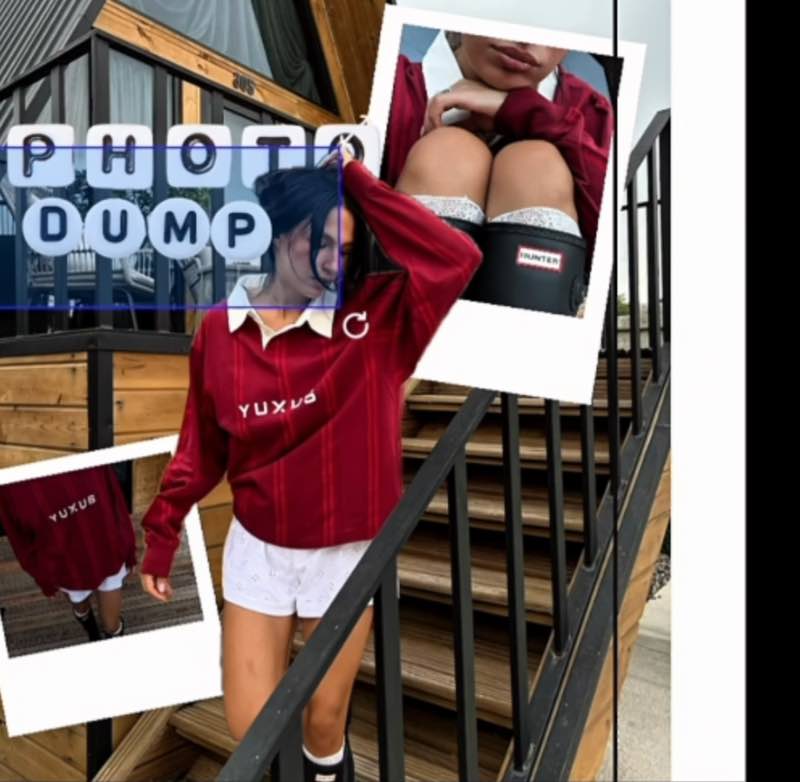
Polaroid grids, scrapbook pages, photo dumps — every template looks like a trendy Pinterest find, not a generated grid.
Drop in photos and the layout snaps together. What used to take an evening in a design app takes one coffee sip.
Spacing, alignment, color balance — handled. If you can pick your favorite photos, you can make a poster.
Crisp, full-resolution exports sized for Stories, feed posts and print. Straight from PSTR to posted.
AI does the design
Hand PSTR a few ordinary photos and the AI rebuilds them into a designer scrapbook collage or a multi-slide carousel. You pick the photos — it handles everything that looks like effort.
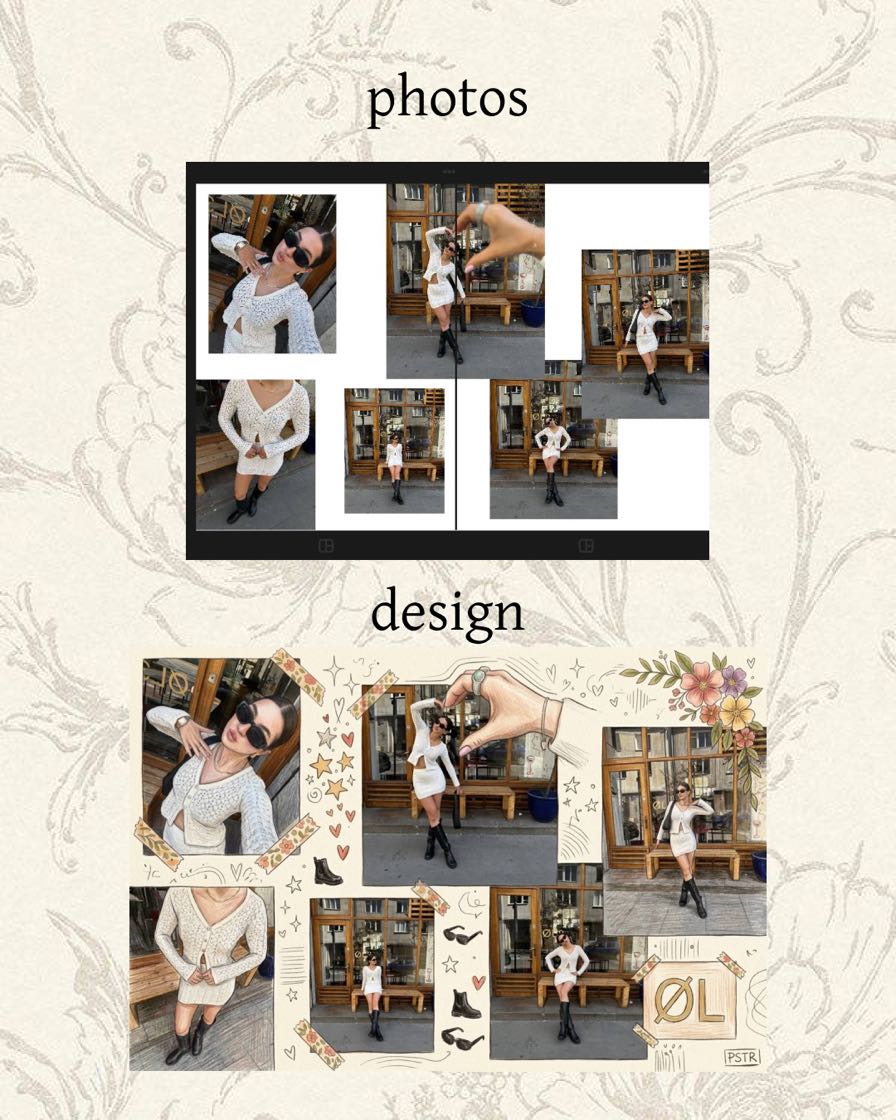
See it in action
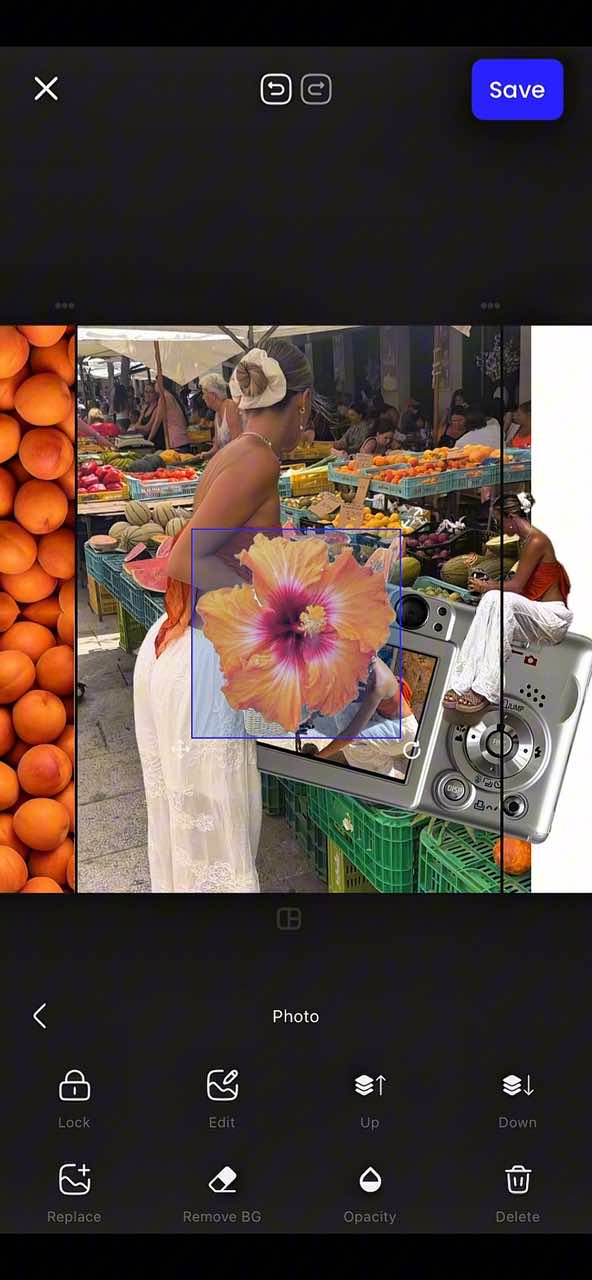
Start from a template that already looks like a moodboard.
PSTR arranges, frames and balances them automatically.
Export in full resolution and watch the saves roll in.
Three steps. Zero design skills. Try the first one now.
Everything you need to keep a beautiful feed — nothing you don't.
Polaroid borders, scattered stacks and taped corners — a scrapbook maker in your pocket.
Hand-picked font pairings and color moods that always work together.
Photos snap into balanced compositions the moment you drop them in.
One tap re-frames your carousel into a story layout, feed post, Pinterest pin or print.
Print-quality output that survives compression, and doubles as a wallpaper maker for your Lock Screen.
Cut yourself out of any photo in one tap — stickers and cut-outs for your collages, no other app needed.
4.6★ on the App Store · 100,000+ downloads
“I’ve tried a few tools for making carousel posts, but PSTR is by far the easiest one to use. The seamless carousel feature is amazing — posts look more professional when the images flow between slides!”
“this is the first time i’ve ever even written an app review, but i love PSTR so much :) it’s so perfect for making cute collages for insta, pinterest, and scrapbooking. 10/10 !!”
From real App Store reviews
Yes — PSTR is free to download and start creating. Some advanced tools are available through optional in-app purchases.
Your photos are edited right on your device and are never uploaded to our servers.
Multi-slide carousels, scrapbook collages, photo dumps, moodboards and Instagram-ready posts — starting from templates that already look designed.
Full-resolution exports sized for Instagram Stories, feed posts, Pinterest and print.
Yes — PSTR is available on both iPhone (App Store) and Android (Google Play).
No — PSTR (PSTR Collage) is an independent carousel and collage maker, and this site is its official home. PSTR.app and PSTR Studio are separate products and are not affiliated with us. More about the official PSTR app →
Download PSTR and turn it into a poster before your coffee gets cold.
Join 100,000+ creators · 4.6★ on the App Store · Free
